Figma power users
People who rely on multiple plugins every day and want their favorites immediately available.
PluginDock gives you a compact native dock for your favorite Figma plugins, with one-click launch, hotkeys, and a faster workflow every day.
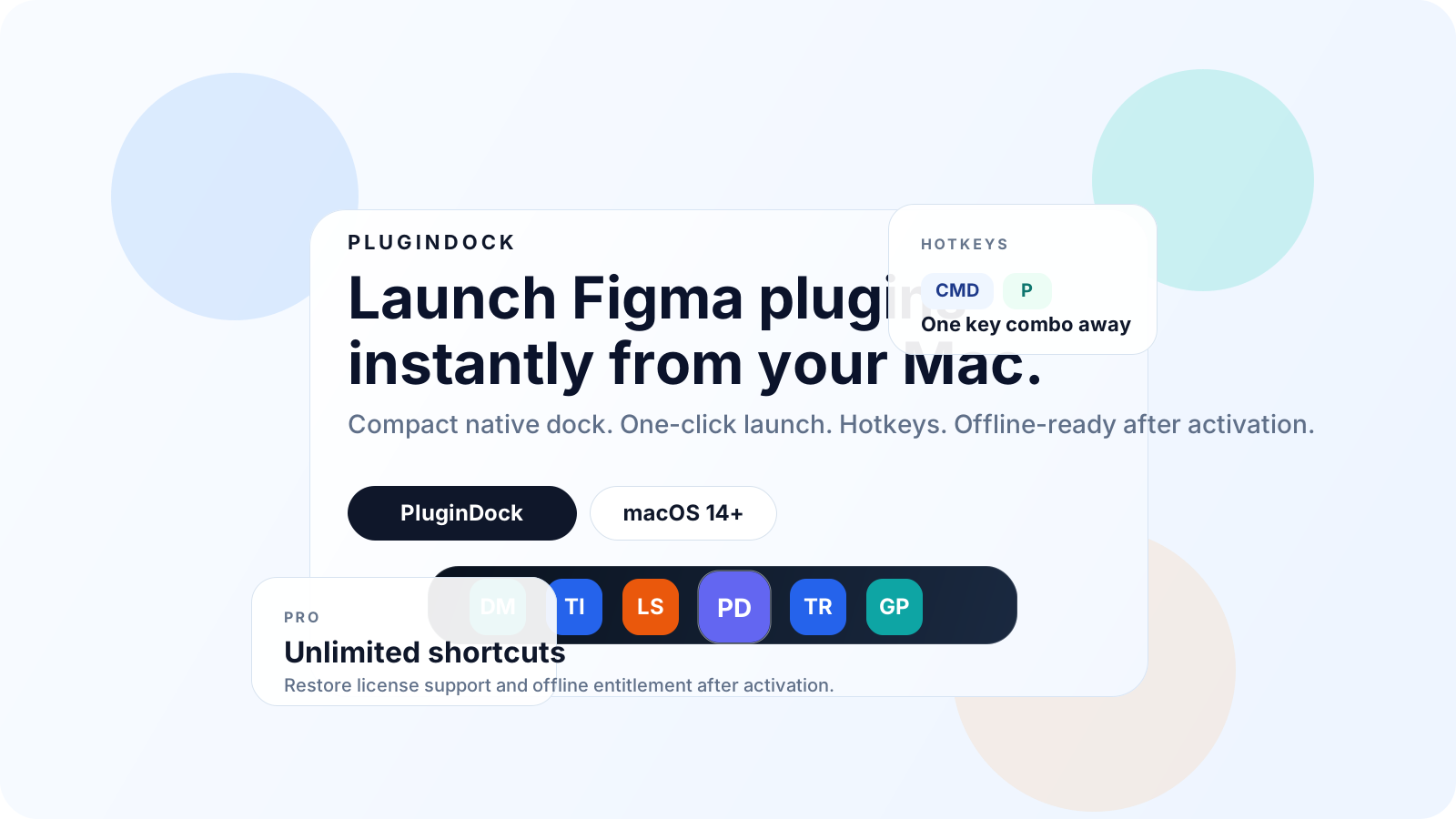
PluginDock is designed for repeat-use workflows, fast plugin access, and teams that want a cleaner launch path on macOS.
People who rely on multiple plugins every day and want their favorites immediately available.
Designers who keep opening the same few plugins and want that routine cut down to a click or key combo.
Teams that want faster plugin access, less launch friction, and a cleaner shared workflow expectation.
PluginDock focuses on the launch moment, keeping setup simple while still covering the controls people need for different Figma environments and license states.
Keep your favorite plugin shortcuts visible in a compact dock that is always easy to reach.
Jump straight into the plugin you need without reopening the Actions menu and searching every time.
Launch your most-used tools even faster with keyboard shortcuts that stay available system-wide.
The interface stays small, clear, and native-feeling so it helps the workflow instead of cluttering it.
Assign recognizable icons to each shortcut so your dock stays easy to scan at a glance.
Tune the launch delay for different Figma setups so the automation stays reliable on your machine.
Manage shortcuts, icons, hotkeys, and timing from one place without digging through system panels.
Keep working without a constant connection once your license has been activated and cached locally.
PluginDock automates the repetitive path so opening a plugin feels closer to launching an app than searching a menu over and over.
PluginDock focuses the Figma desktop app so your next action starts in the right place.
The app opens the Actions menu and searches for the plugin tied to your shortcut, which works best once that plugin has been opened in Figma at least once.
Your selected plugin opens from the dock or a global hotkey without repeating the full menu flow manually.
The free tier covers focused daily use. Pro is for people who want a broader plugin dock, license restore support, and offline entitlement after activation.
A clean starting point for designers who want the main speed boost before committing to a larger shortcut set.
Best for power users and teams with a larger plugin stack who want a long-term, friction-free setup.
The key setup and license details are straightforward, but these are usually the first things people want to confirm.
PluginDock gives you a compact native dock for your favorite Figma plugins, with one-click launch, hotkeys, and a faster workflow every day.